VERSE
INTELLIGENCE. MADE HUMAN
VERSE
Verse Realm (verse-realm.app), made by Microtron AI Inc., brings a set of AI apps together in one account: Verse AI for chat and research, Verse Studio for making and editing images, video, music and voices, Versonas (AI avatars with their own voice and knowledge), Verse Link for messages and calls, Verse Social, and Workflows that automate work across the apps you connect.
Connecting your Google account is optional. If you connect it, Verse Realm uses your Google data only for the features you ask for:
We use only the data these features need. We never sell it, never use it for advertising, and never use it to train AI models. Nobody at Verse Realm reads it unless you ask us to, to keep Verse Realm secure, or when the law requires it.
Verse Realm's use of information received from Google APIs will adhere to the Google API Services User Data Policy, including the Limited Use requirements.
You can disconnect Google at any time in Connector settings or in your Google Account. How we handle Google data
Verse Realm forbids creating, editing or sharing sexually explicit or intimate images or video of a real person without their consent, including AI-generated and AI-altered images and deepfakes, and any sexual content involving minors. These rules cover every Verse Realm feature, including those that run on Google's AI models, and Verse Realm never uses Google user data to create images or video. We remove reported intimate images within 48 hours and may close the accounts responsible.


Verse desktop apps run natively, work with your local files, and ask permission the same way every time. Install one, sign in with your Verse account, and everything else already knows you.
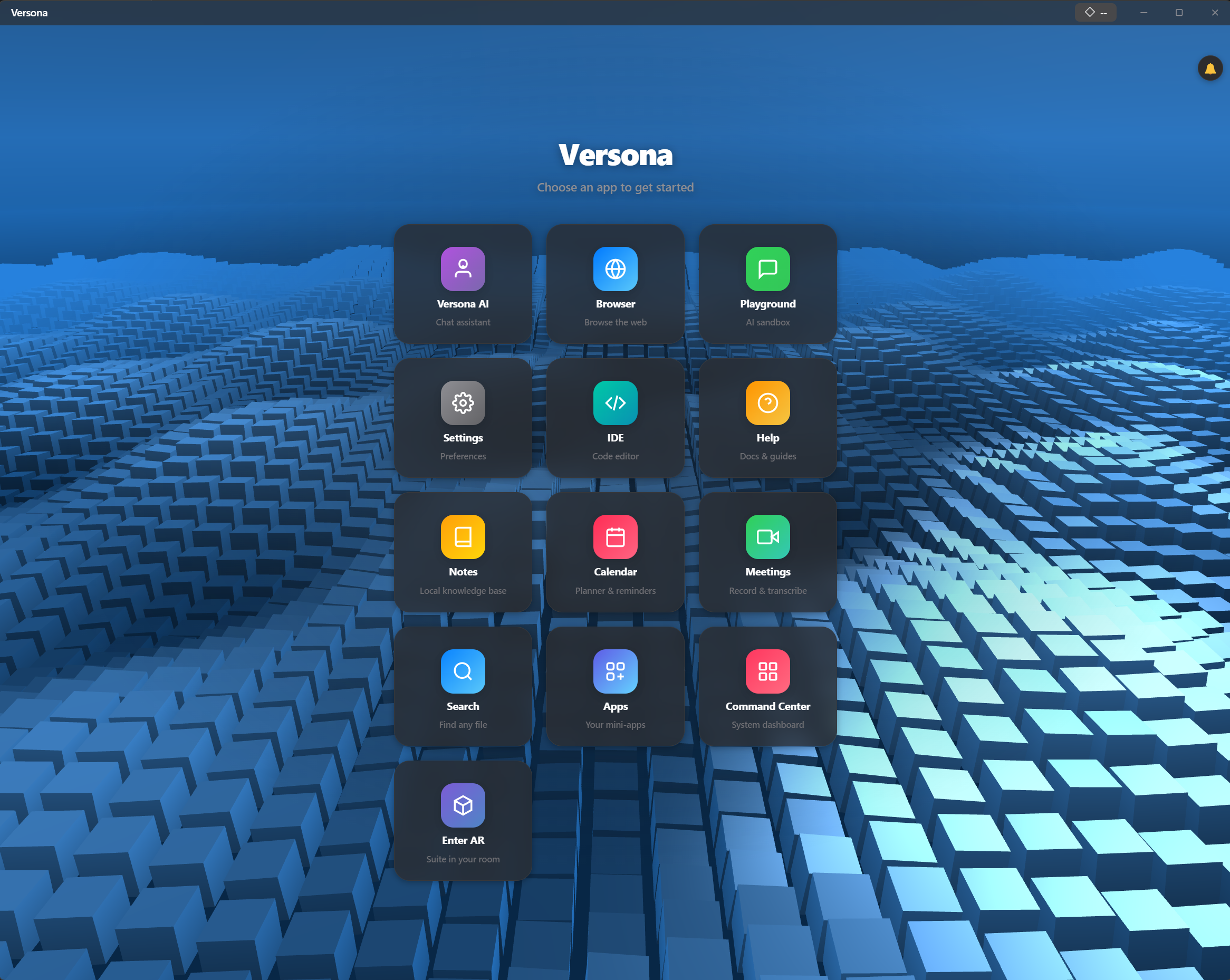
Browse with an assistant that actually does things.
The assistant sits in the sidebar with full view of the page you are reading. Ask in plain language — it summarizes, answers, fills forms and takes actions for you. Unused tabs go to sleep so your machine stays quick even at forty tabs deep.
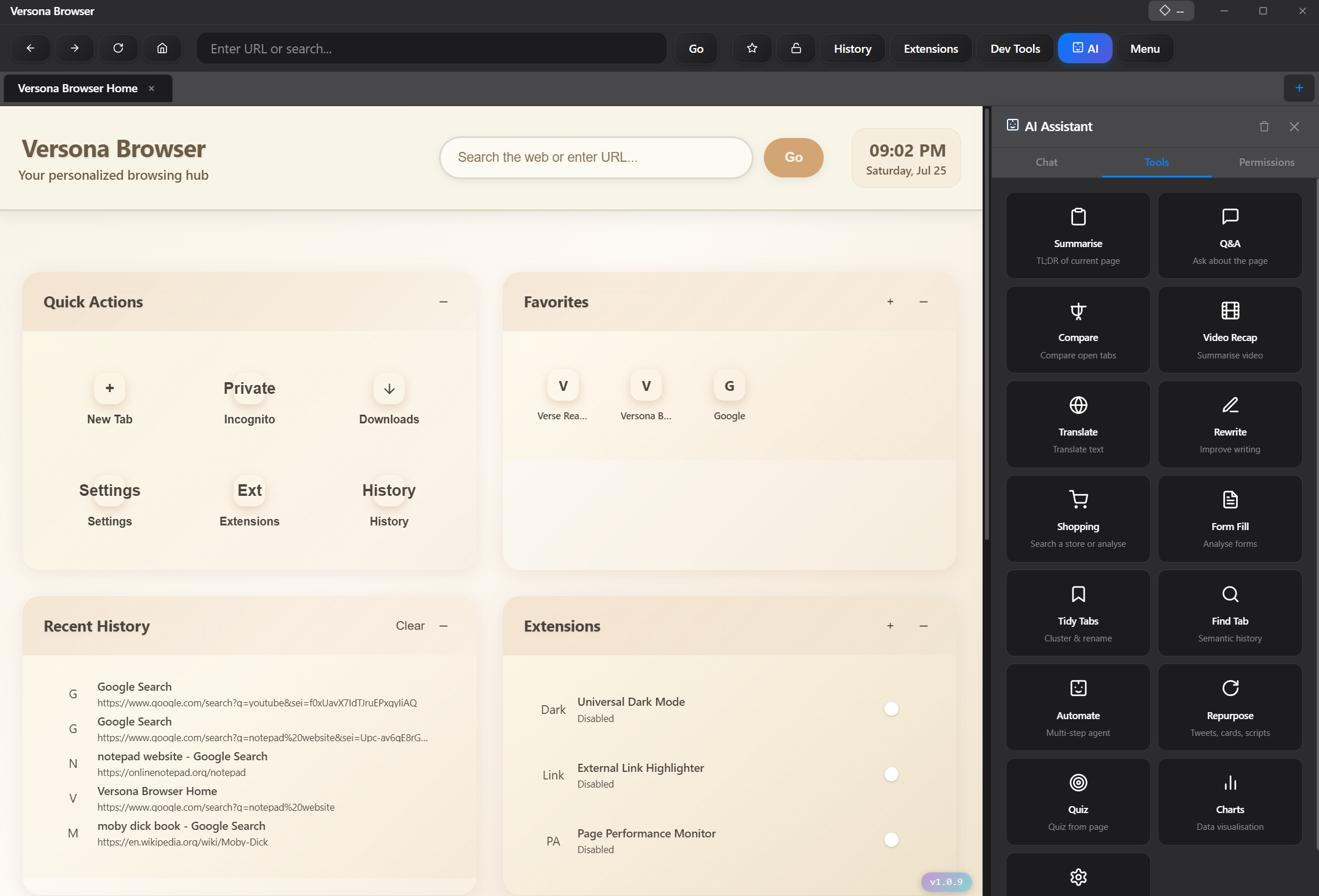
Describe the work. Come back to a diff.
Verse for your terminal. Say what you want built or fixed and it plans the work, makes the changes, then checks its own results before showing you anything. Restore points are written as it goes, so nothing is ever lost — and it can keep grinding on the big job while you do something else.
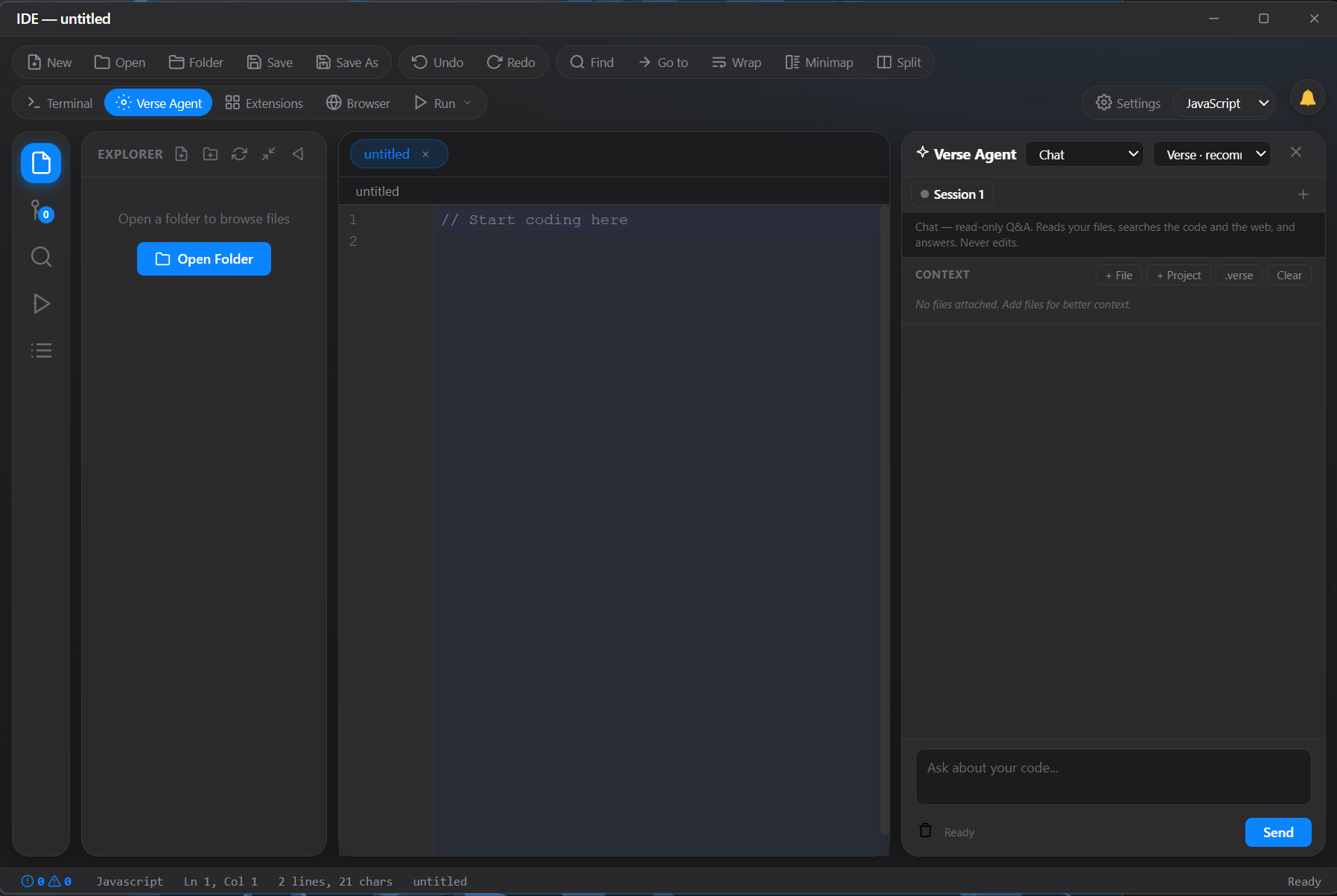
A code editor that asks before it acts.
A full editor with the Verse assistant working right beside you. It reads your project, writes and edits code, and runs commands — but only inside the permission level you choose, so you always know what it is allowed to touch. Bring other models if you like; the same safety rules apply to all of them.
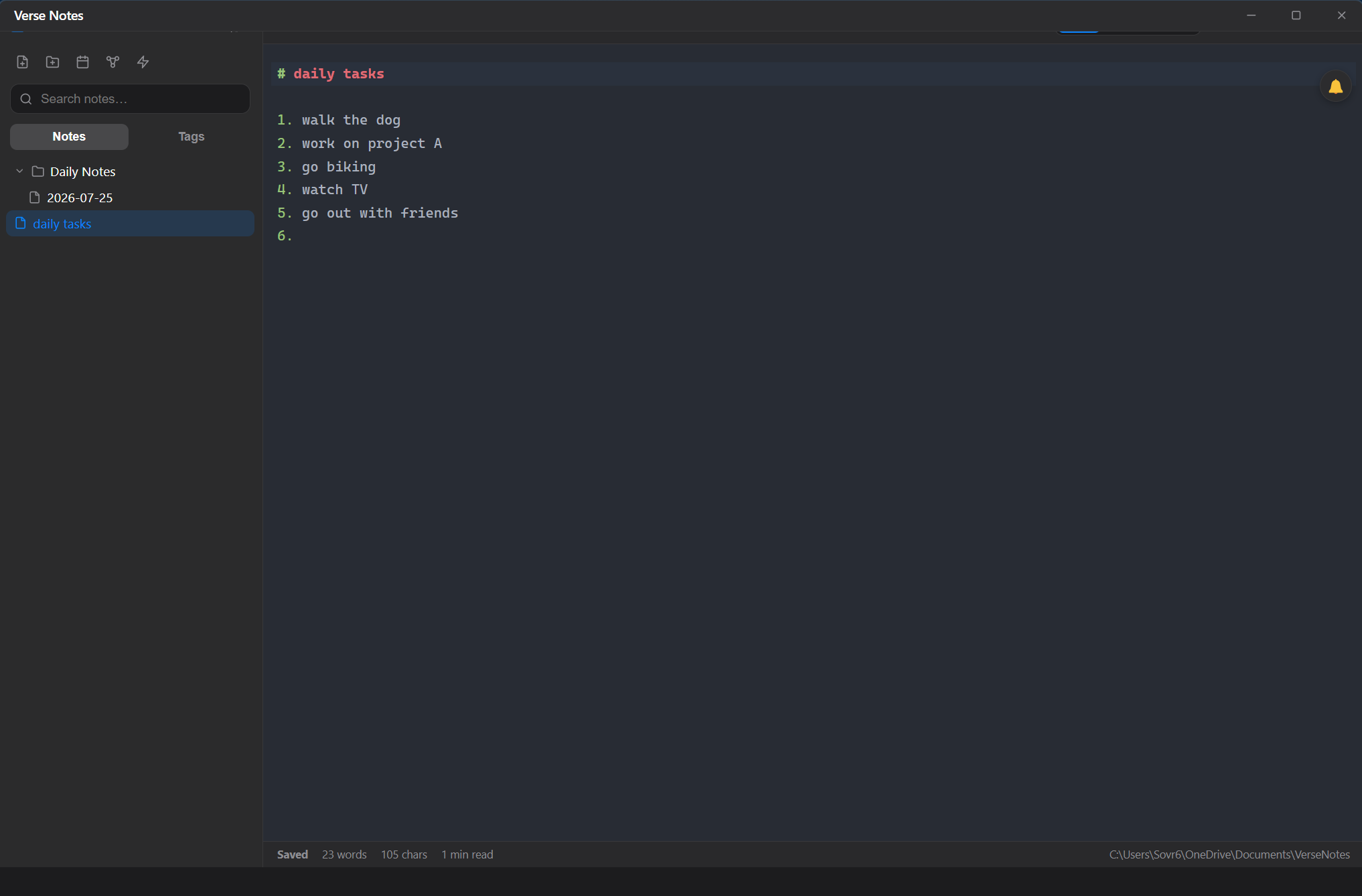
Plain text notes that show up prepared.
A simple, private notes app. Everything is stored as ordinary text files on your own computer — no lock-in, nothing hidden. Its standout trick: before a meeting it pulls together your calendar, past notes and related material into one ready-to-read brief.
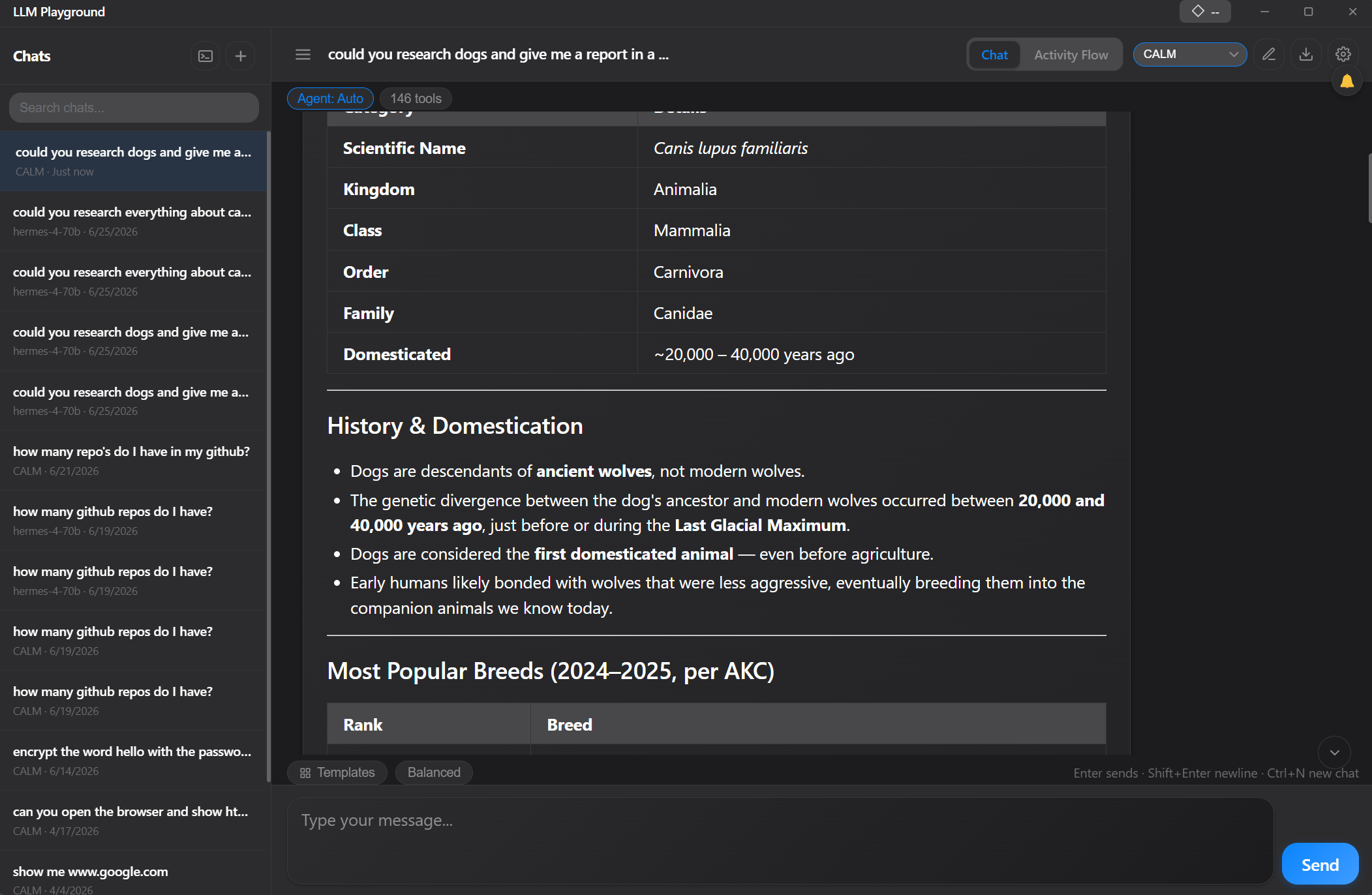
Take models apart and see what moves.
A sandbox for experimenting with AI models. Compare how different models answer the same prompt, then switch individual abilities on or off to see exactly how each one changes the result. Great for tinkering and learning what AI can really do — best suited to quick experiments rather than long, many-step projects.
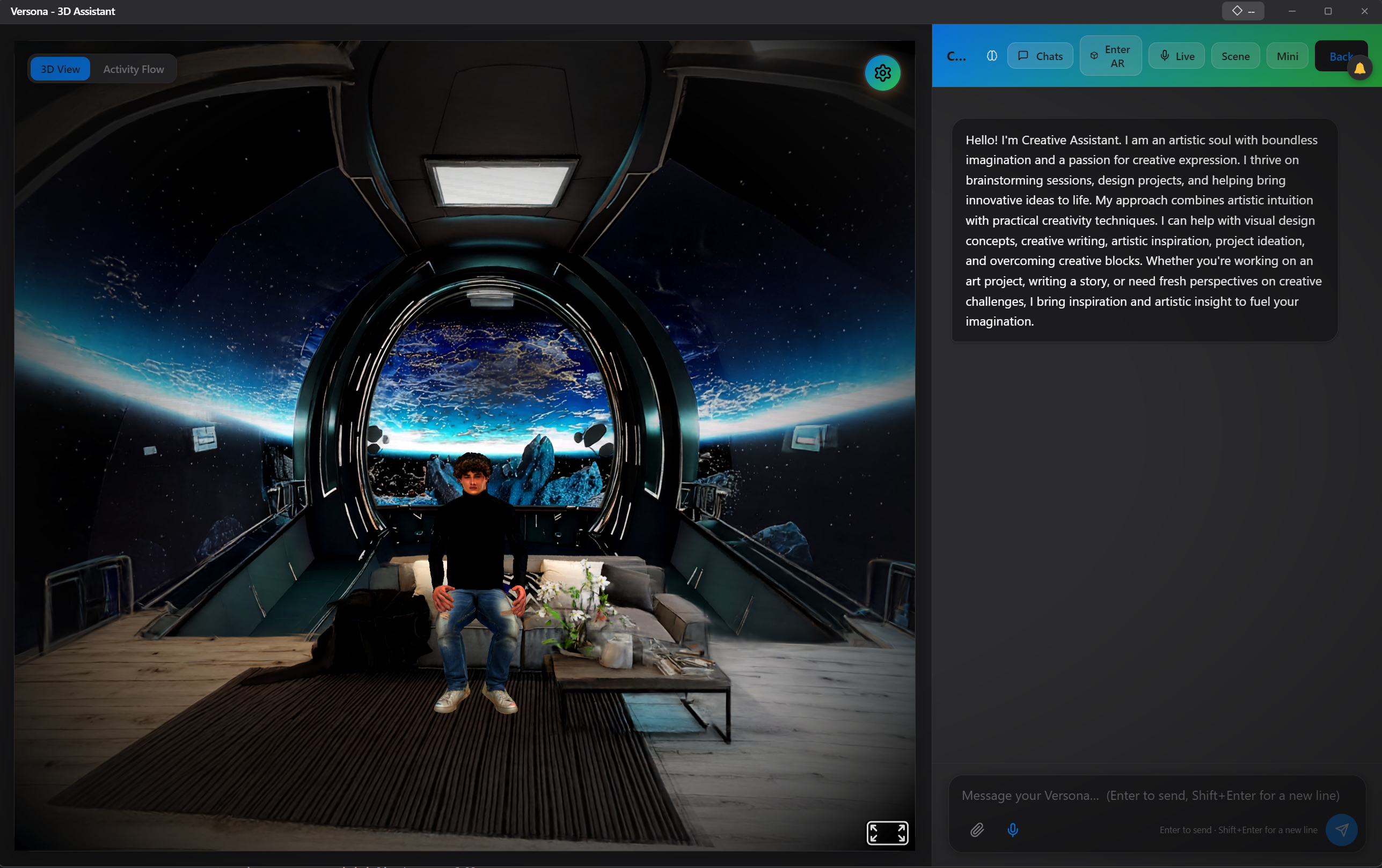
Off the browser tab, onto your desktop.
Your personal AI companion as a 3D character living on your desktop. Talk by voice or text, pin and save the moments you want to keep, and let it check in with you proactively during the day. It is the same Versona you know from the Verse platform — now running on your computer.
All six apps are built on the same foundation — so once you learn how one behaves, you know them all.
Whenever the AI wants to do something on your machine, every app asks in the identical way — same wording, same scope, same place on screen.
Your account security and your on-device data are protected separately, so a signed-in session never becomes a key to your local files.
Each app reads the shared settings it genuinely requires and nothing more — no silent access to the rest of the suite.